

Writing
Write and save a chapter
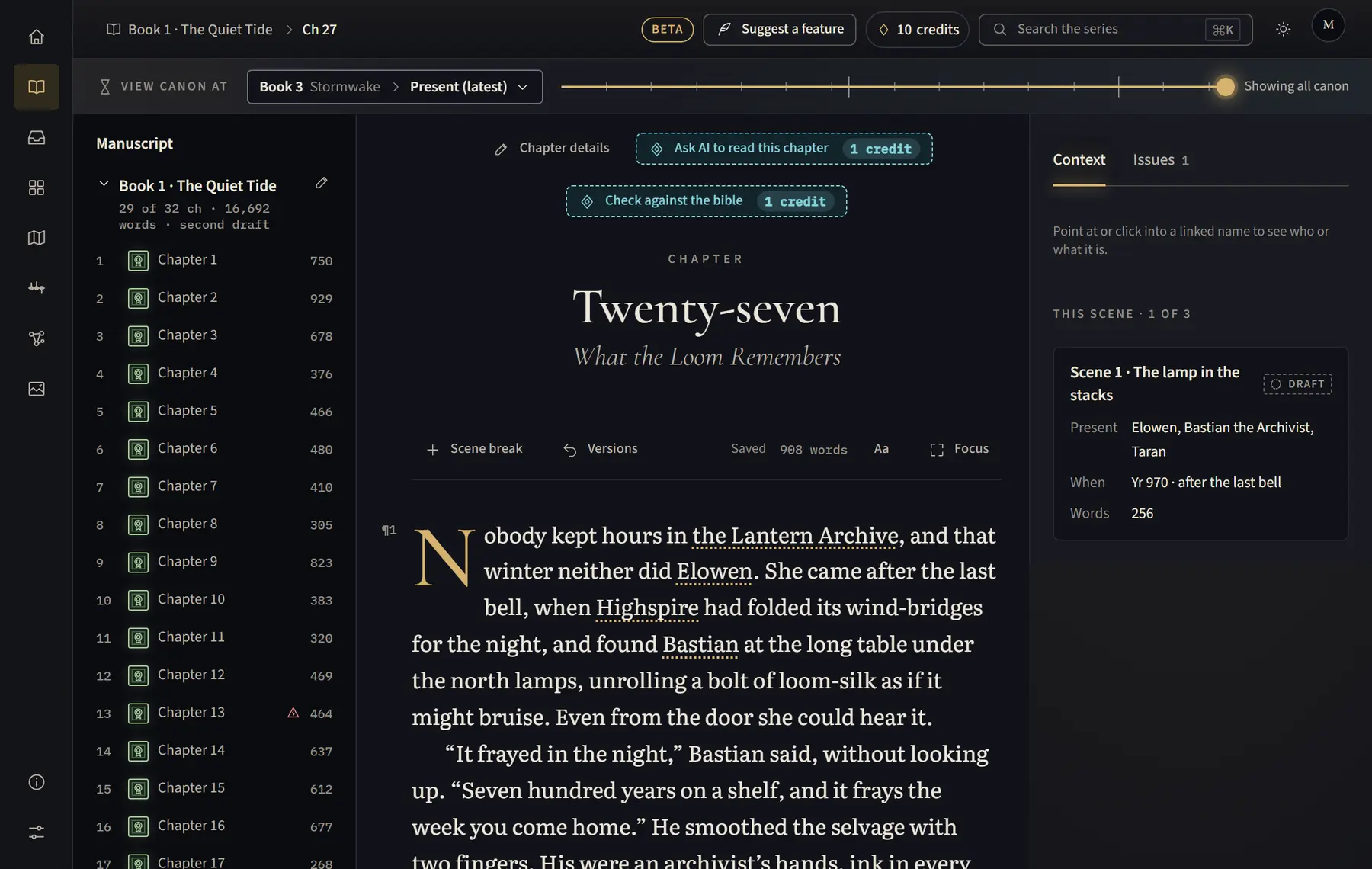
Write straight into the chapter; your words save on their own as you type.
- Open Manuscript and choose a chapter from the list on the left (on a tablet, click Chapters above the text first).
- Click into the text and write. Use Ctrl+I for italics and Ctrl+B for bold (⌘ on a Mac).
- Watch the status in the bar above the text: Saving…, then Saved with the time.
- If it shows a problem instead, click Try again (or Sign in if you were signed out).
Good to know
- If you lose your connection, your words are kept on this device and saved when you are back online.
- If the studio finds changes on this device that were never saved, it offers Restore them or Discard when you open the chapter.
- On a phone you can read chapters; open them on a larger screen to write.
Related
All help · Still stuck? Write to support@sagastudio.ink.