

Reading with AI
Ask AI to read a chapter
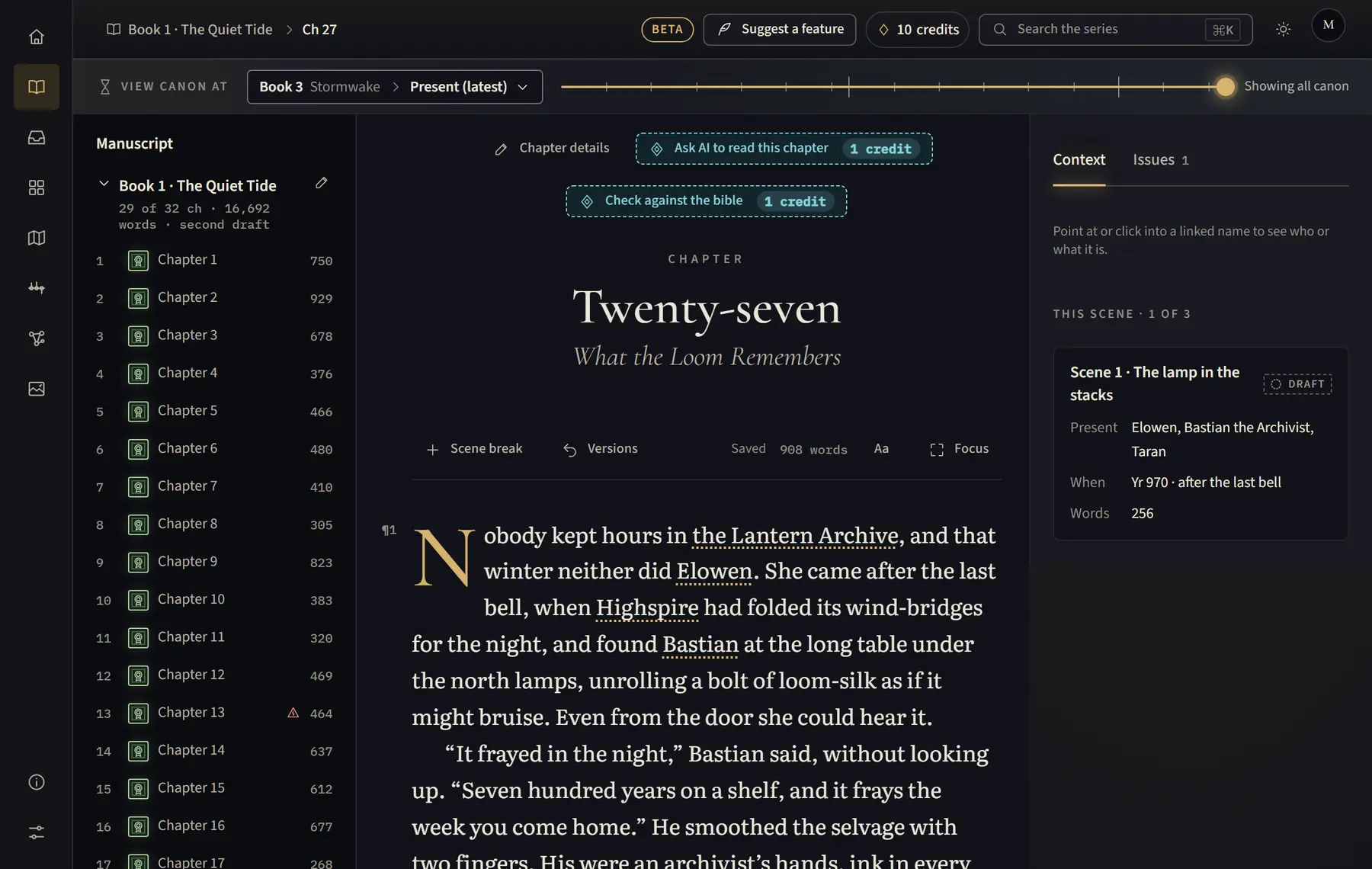
AI reads one chapter and suggests characters, places and facts your bible does not have yet.
- Open the chapter on a computer or tablet.
- Above the text, click Ask AI to read this chapter. The button shows how many credits it uses.
- Wait a minute while it reads.
- If it found something, click Review in Canon Inbox to approve or reject what it suggests. Otherwise it says it found nothing new in this chapter.
Good to know
- It reads the last saved version of the chapter, so the button only shows once the chapter has text. It isn’t shown while you view canon at an earlier point, if AI is off, or if the book is Excluded from AI in AI permissions. The demo doesn’t read.
- If the result looks wrong, click Report this read. Someone looks at it, and gives the credits back if the AI got it wrong.
- In a half-written book, read each new chapter as you finish it, so you only pay for what is new.
Related
All help · Still stuck? Write to support@sagastudio.ink.