

Reading with AI
Check a chapter against the bible
AI compares a chapter with your canon and flags places where they may disagree.
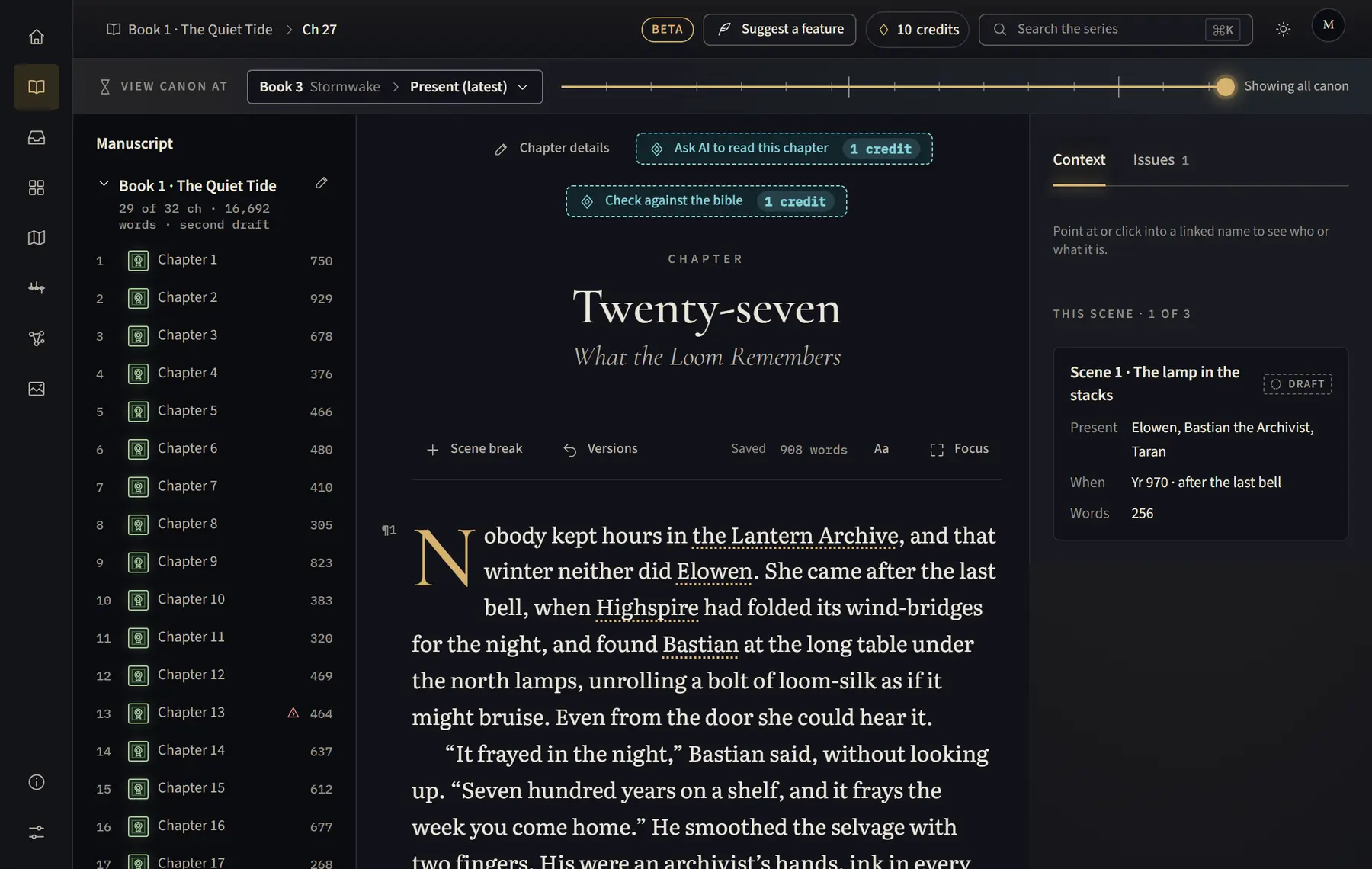
- Open the chapter on a computer or tablet.
- Above the text, click Check against the bible. The button shows how many credits it uses.
- If it found possible conflicts, click Review in Canon Inbox; they also show in the margin of the chapter. Otherwise it says it found no contradictions with the bible.
- For each conflict, choose Fix manuscript, Update canon, Mark intentional or Not now.
Good to know
- It reads the last saved version of the chapter.
- If you fix the text yourself, click I’ve fixed the manuscript on the conflict.
- The button isn’t shown while you view canon at an earlier point, if AI is off, if the book is Excluded from AI, or if AI permissions don’t let the AI flag conflicts and read the bible. The demo doesn’t check.
Related
All help · Still stuck? Write to support@sagastudio.ink.