

Getting started
Add a chapter
Add a new chapter at the end of a book and start writing straight away.
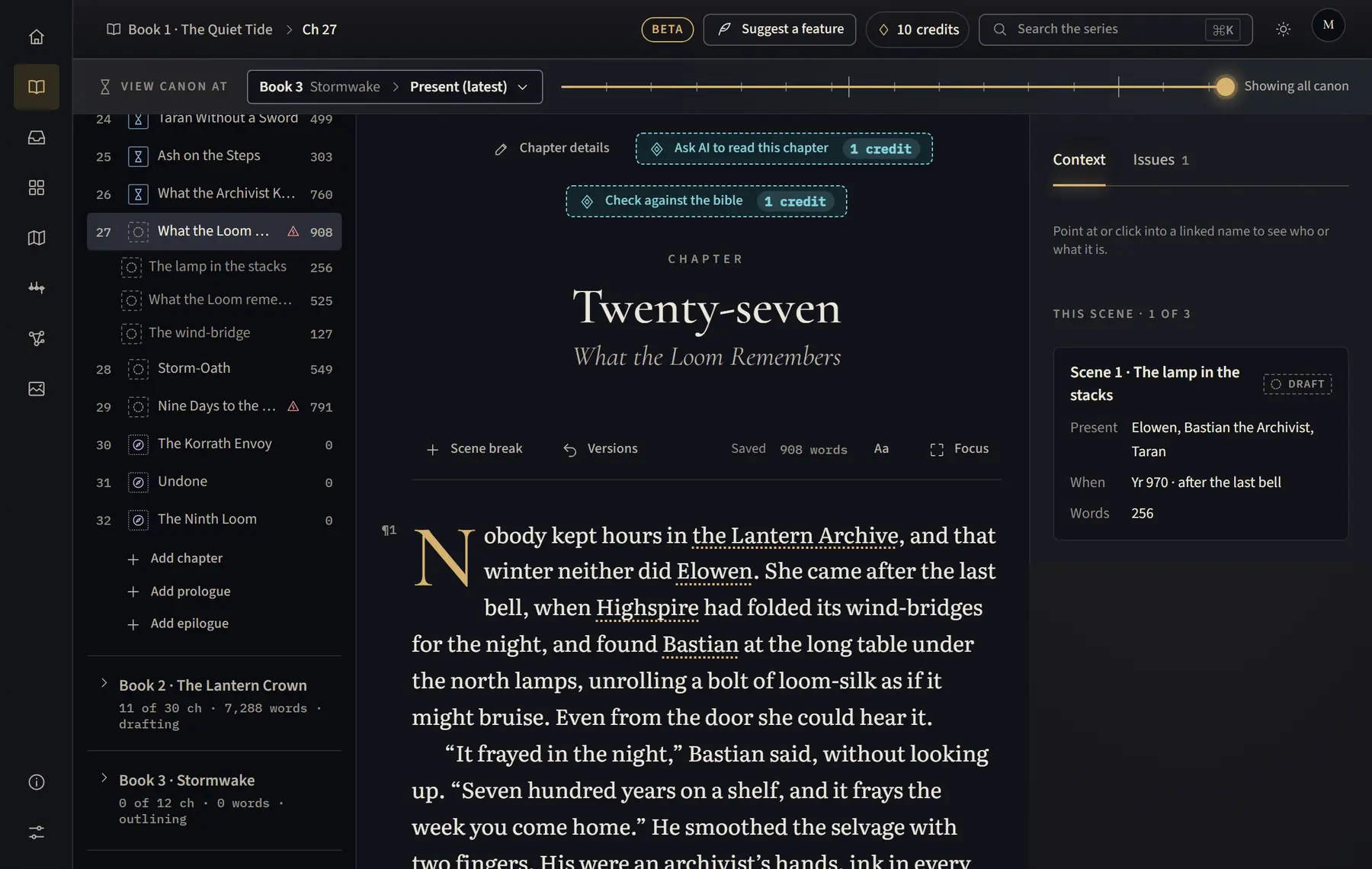
- Open Manuscript and open the book in the chapter list (on a tablet, click Chapters above the text first).
- Under the book’s chapters, click Add chapter.
- The new chapter opens, ready to write.
- To give it a title or a status, click Chapter details above the text, then Save.
Good to know
- An empty last chapter can be taken back: open Chapter details and click Remove empty chapter.
- To add scenes inside a chapter, use Scene break while you write.
Related
All help · Still stuck? Write to support@sagastudio.ink.