

Getting started
Add a prologue or epilogue
A prologue and an epilogue sit outside the chapter numbers, so Chapter 1 stays Chapter 1.
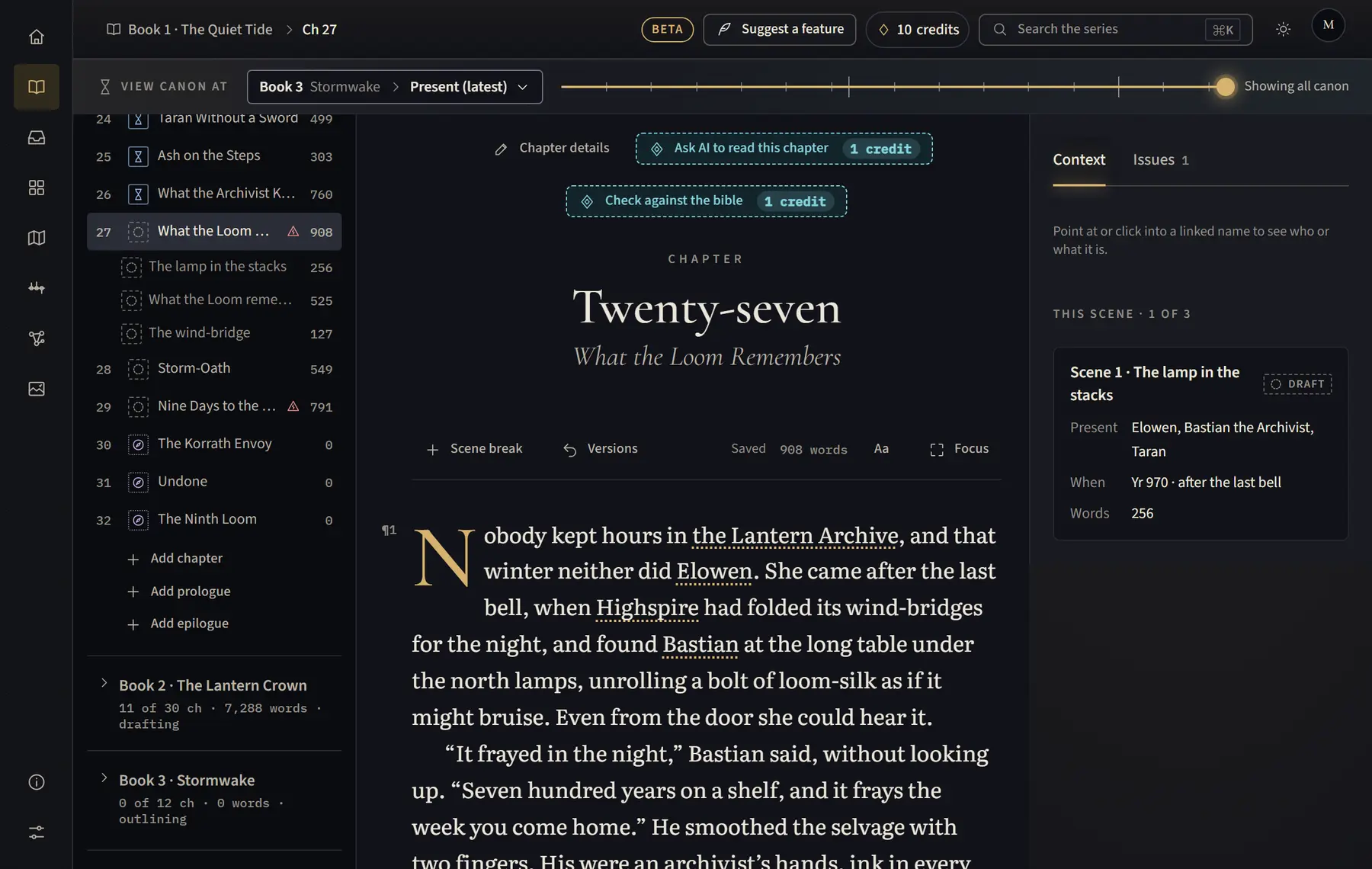
- Open Manuscript and open the book in the chapter list (on a tablet, click Chapters above the text first).
- Under the book’s chapters, click Add prologue or Add epilogue.
- It opens, ready to write. Give it a title in Chapter details if you like.
Good to know
- Each button shows only while the book has no prologue or epilogue yet.
- When you import, a “Prologue” heading at the start and an “Epilogue” heading at the end become the book’s prologue and epilogue.
- An empty prologue or epilogue can be removed from Chapter details with Remove empty prologue or Remove empty epilogue.
Related
All help · Still stuck? Write to support@sagastudio.ink.