

Getting started
Add a book to your series
Add the next book in the series and start writing or importing into it.
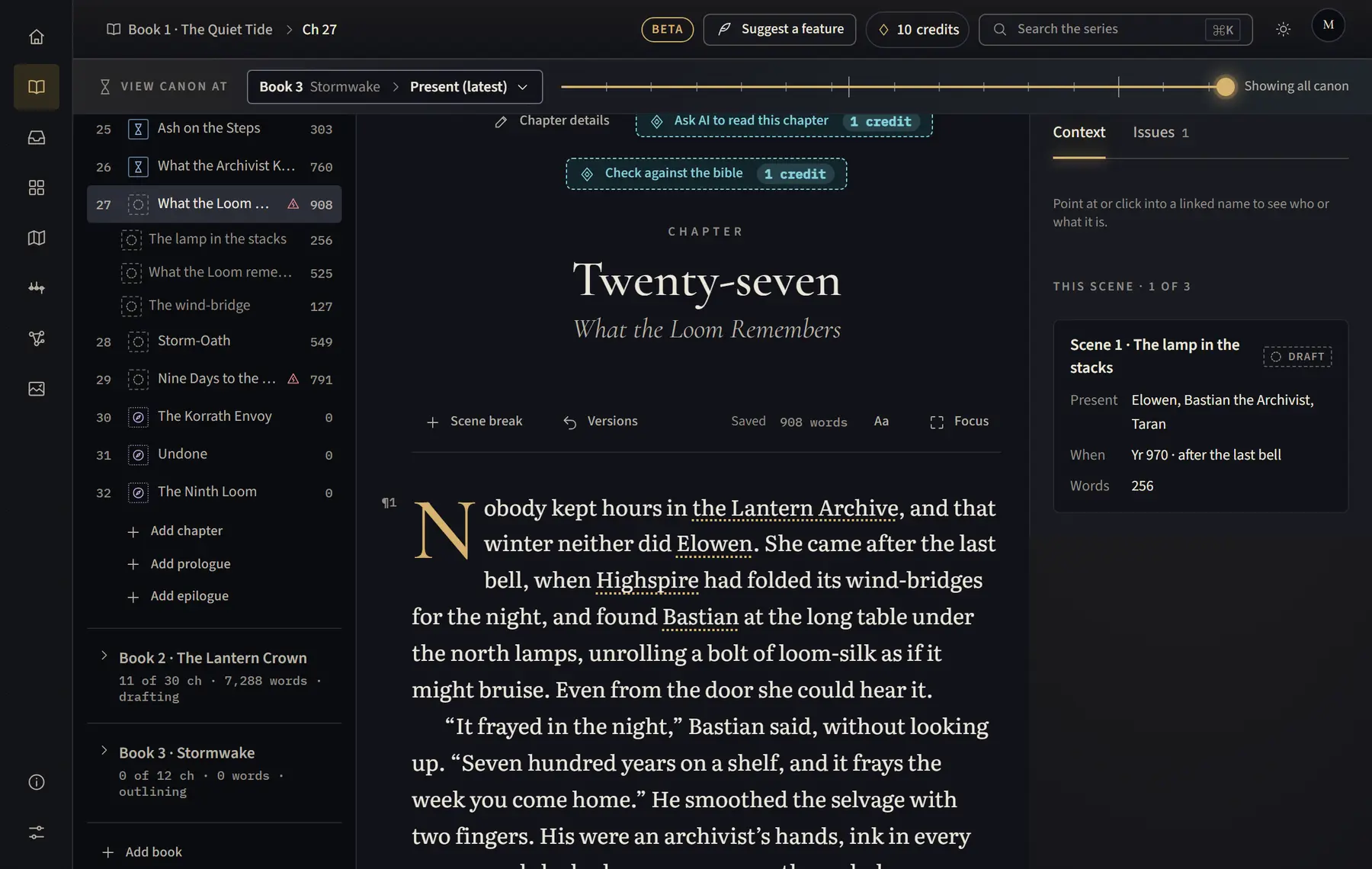
- Open Manuscript (on a tablet, click Chapters above the text first).
- Under the chapter list, click Add book.
- Type the book’s Title and click Add book. The new book opens at its first chapter.
- To rename a book or set its stage, open the book in the chapter list, click the pencil next to its name (Book 1 details), then click Save.
Good to know
- The Free plan covers one book. To add another, choose a plan in Settings › Billing.
- You can also add a book while importing: under Where it goes, choose A new book….
Related
All help · Still stuck? Write to support@sagastudio.ink.