

Credits and your account
Buy credits or choose a plan
Top up with credits that never expire, or choose a monthly plan for every book and credits each month.
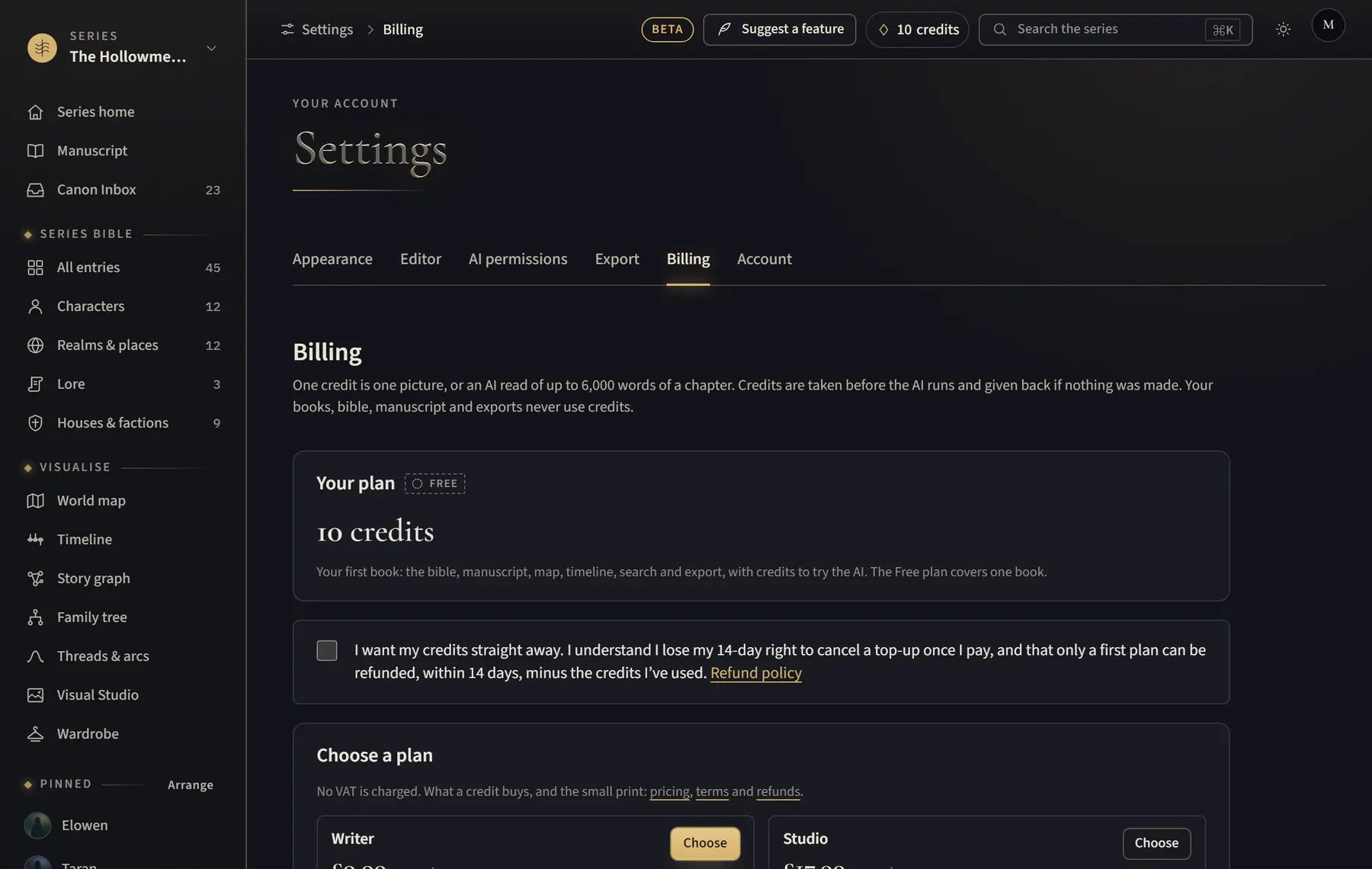
- Open the account menu, click Settings, then Billing.
- Read and tick the box about refunds; the buttons work once it is ticked.
- To top up, click Buy next to 50 credits or 150 credits.
- For a plan, click Choose next to Author (every book, no monthly credits), Writer (100 credits a month) or Studio (200 credits a month), then pay on the secure checkout page. Credits arrive within a minute.
- Already on a paid plan? Click Switch, then confirm with Pay and switch to Studio (moving up) or Switch (moving down). It uses the card you already gave.
Good to know
- The Free plan covers one book. Author, Writer and Studio cover every book.
- On Author, a new series starts with the AI off; top-up credits pay for it when you turn it on.
- Unused monthly credits don’t carry over (except when you upgrade); top-up credits never expire.
- On a plan, click Manage plan to change plan, update your card or cancel.
- If a plan ends, the Free plan covers one book: your first book stays yours to write in, with its AI. Your other books can still be read, shared and exported, and choosing a plan again opens them all at once.
Related
All help · Still stuck? Write to support@sagastudio.ink.