

Credits and your account
See how many credits you have
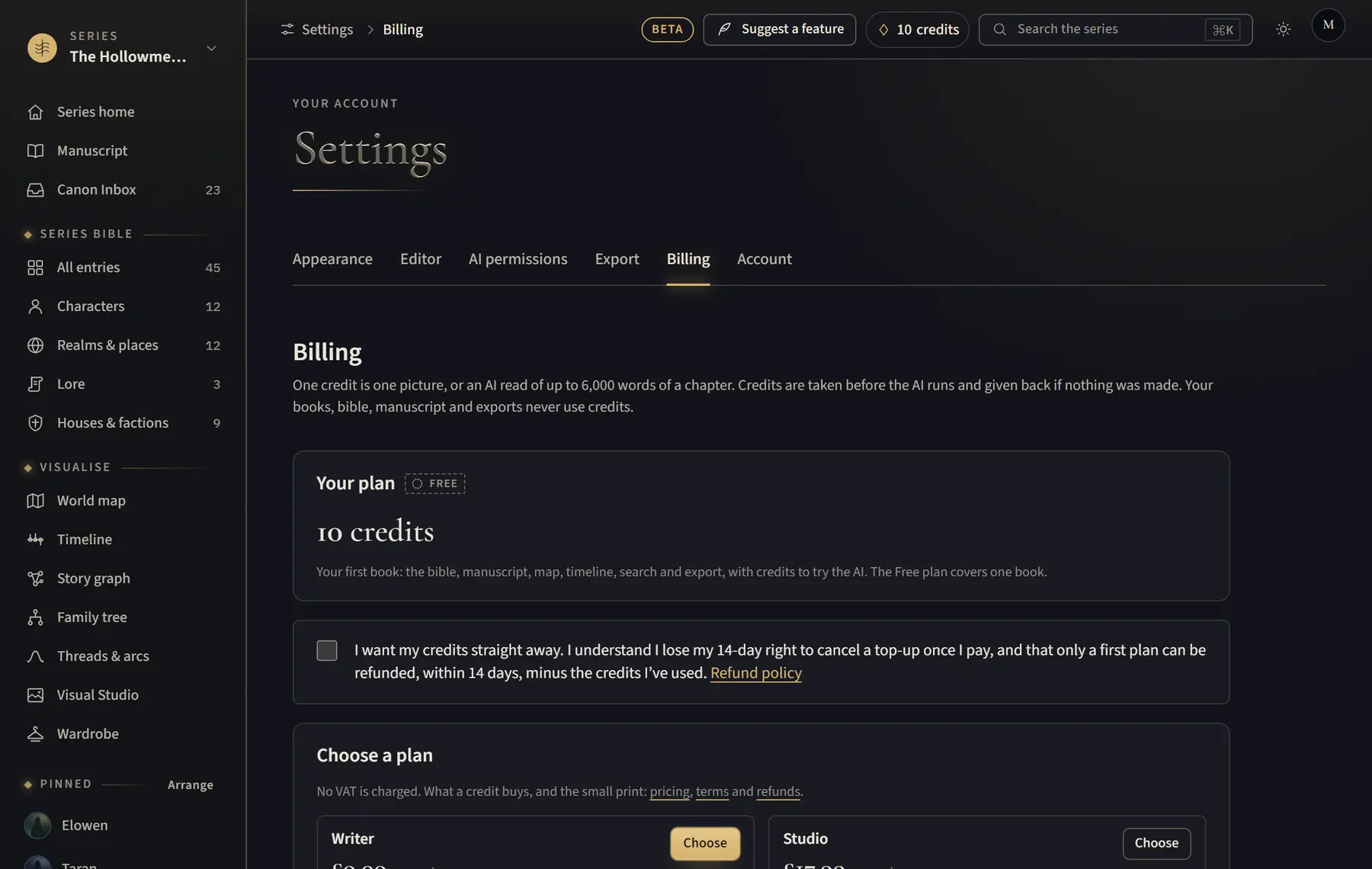
Your credits show in the top bar on every page.
- Look at the top bar, next to the account button: the diamond shows how many credits you have left.
- Click it to open Billing.
- Under Credit history, see every credit added and used.
Good to know
- On a paid plan, Billing shows how many are from this month and how many from top-ups.
Related
All help · Still stuck? Write to support@sagastudio.ink.