

Credits and your account
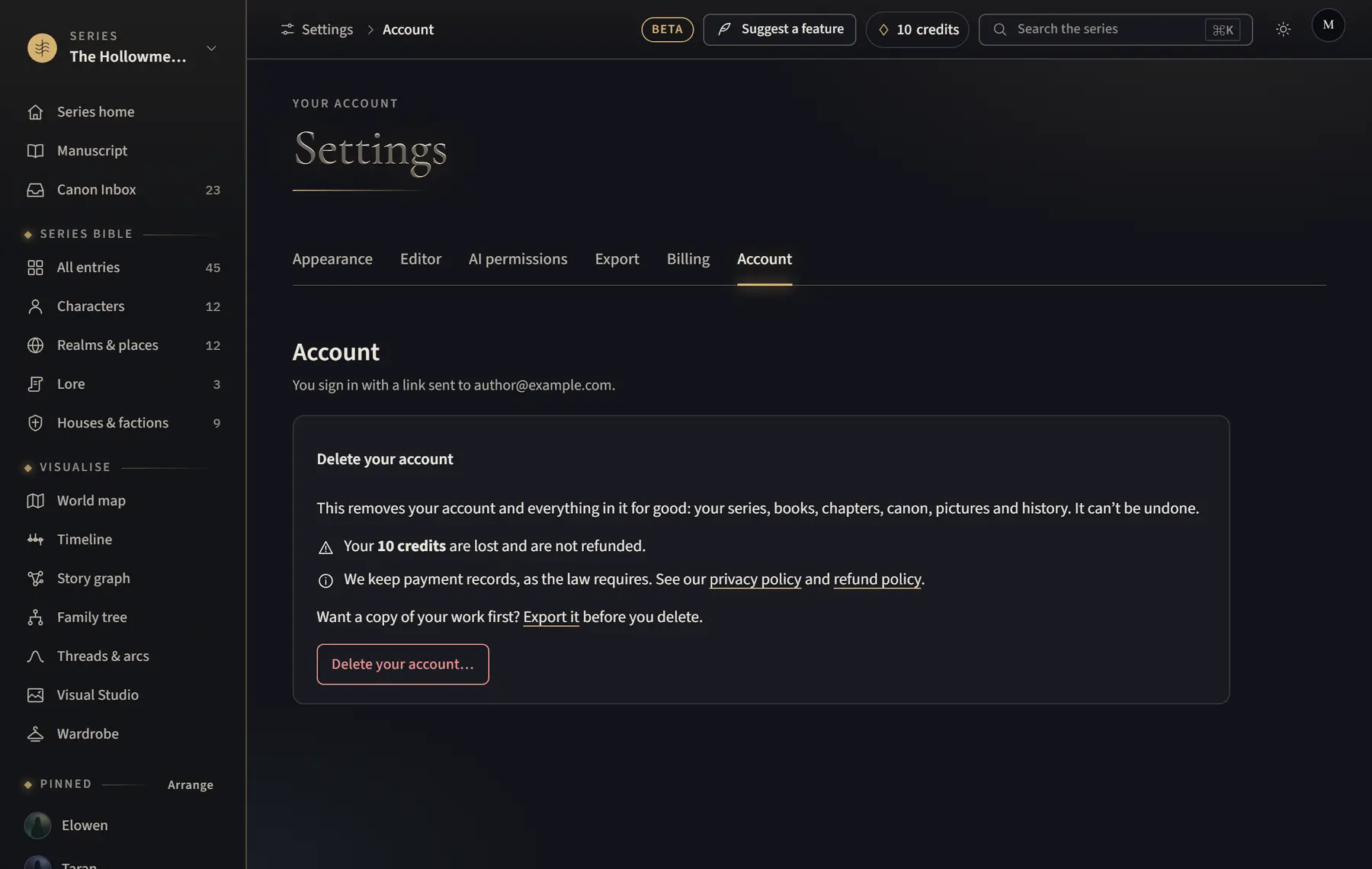
Delete your account
Remove your account and everything in it for good.
- If you want a copy of your work, export each series first from Settings › Export. If you have more than one series, choose each in turn under Series, click Open, and check the series named in the heading.
- Open the account menu, click Settings, then Account.
- Click Delete your account….
- Type your email address under Type your email address to confirm.
- Click Delete my account.
Good to know
- This can’t be undone. Your series, books, chapters, canon, pictures and history are deleted.
- Any credits left are lost and are not refunded. A paid plan is cancelled straight away, and the rest of the month is not refunded.
Related
All help · Still stuck? Write to support@sagastudio.ink.