

Writing
See your world as it was at an earlier chapter
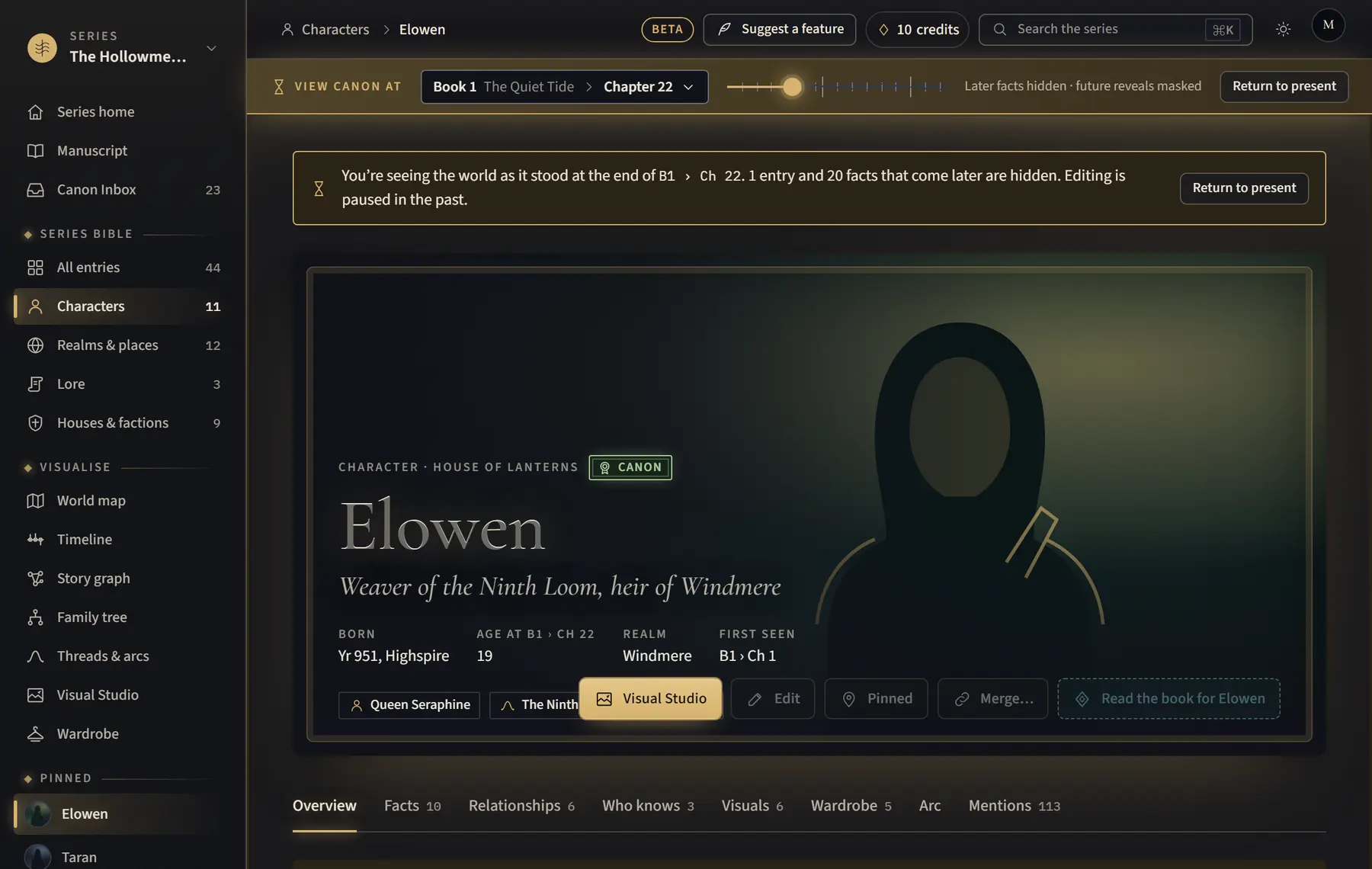
View canon at shows the bible, map, timeline and manuscript as they stood at any point in the story.
- Find the View canon at bar at the top of the page, for example on your series home, the manuscript, the bible, the map or the timeline.
- Click the book and chapter shown in the bar, choose a Book and Chapter, then click View canon here. On a larger screen you can also drag the slider.
- Look around: facts, places and chapters from later in the story are hidden.
- Click Return to present to go back.
Good to know
- Editing is paused while you look at the past.
- The address of the page ends in something like ?at=B1.27 (Book 1, Chapter 27), so you can bookmark or share that point.
Related
All help · Still stuck? Write to support@sagastudio.ink.