

Timeline
Change when an event happens
Move an event to the chapter it happens in, or into earlier history with a year.
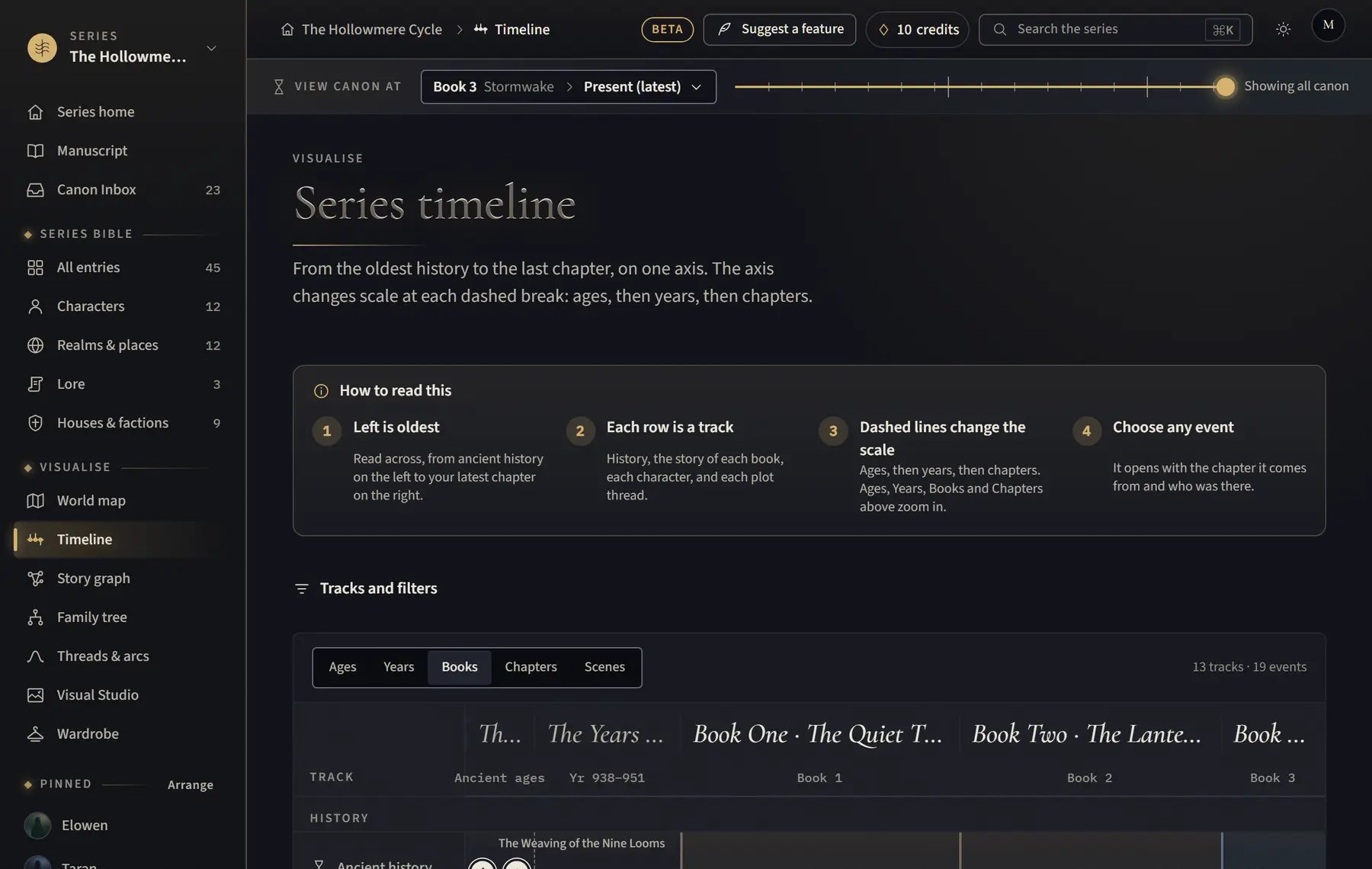
- Click Timeline in the menu on the left.
- Click the event to open its details.
- Click Edit. A suggested event has no Edit yet: click Approve as canon first.
- Under When it happens, choose During the story, Earlier history or Ancient past.
- Choose the Chapter it happens in, or type a Year for earlier history, add the Date as the book says it if you like, then click Save.
Good to know
- A read places an event at the chapter that first mentions it, so backstory told late in the book can land at the end until you move it.
- Editing is paused while you view canon at an earlier point.
Related
All help · Still stuck? Write to support@sagastudio.ink.