

Characters and the Canon Inbox
Undo a change
Every change to canon can be undone.
- Right after a change, click Undo on the message at the bottom right of the screen.
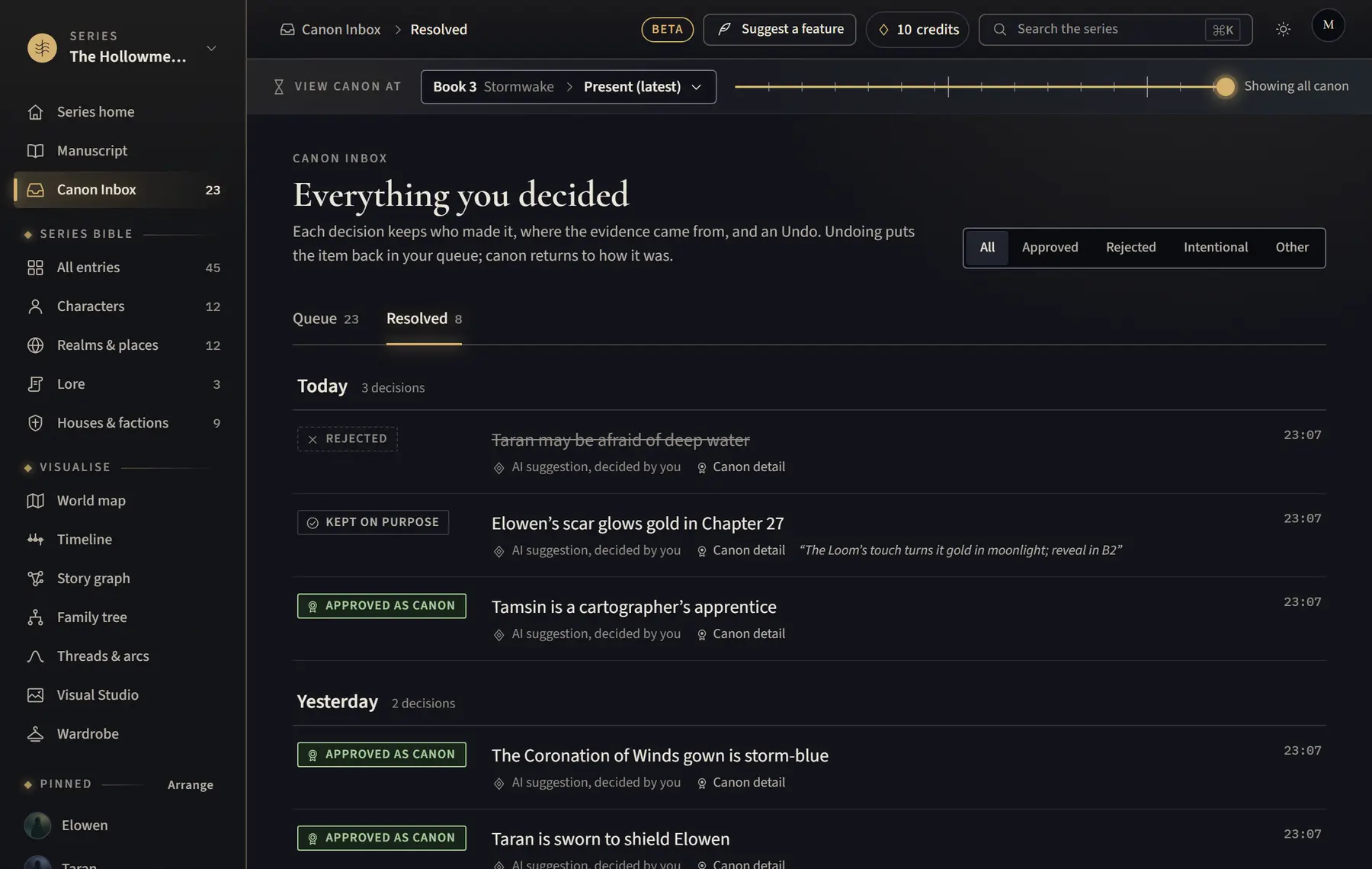
- For something you decided earlier in the Canon Inbox, open Canon Inbox, then the Resolved tab.
- Find it and click Undo. It goes back into your queue. A few items have no Undo and say why.
Good to know
- Changes made on an entry’s page are undone from the message while it is on screen. Hover over the message to keep it there.
- For chapter text, use Ctrl+Z (⌘Z on a Mac) while writing, or Versions to restore an earlier version.
Related
All help · Still stuck? Write to support@sagastudio.ink.