

Writing
Lay out your story as a storyboard
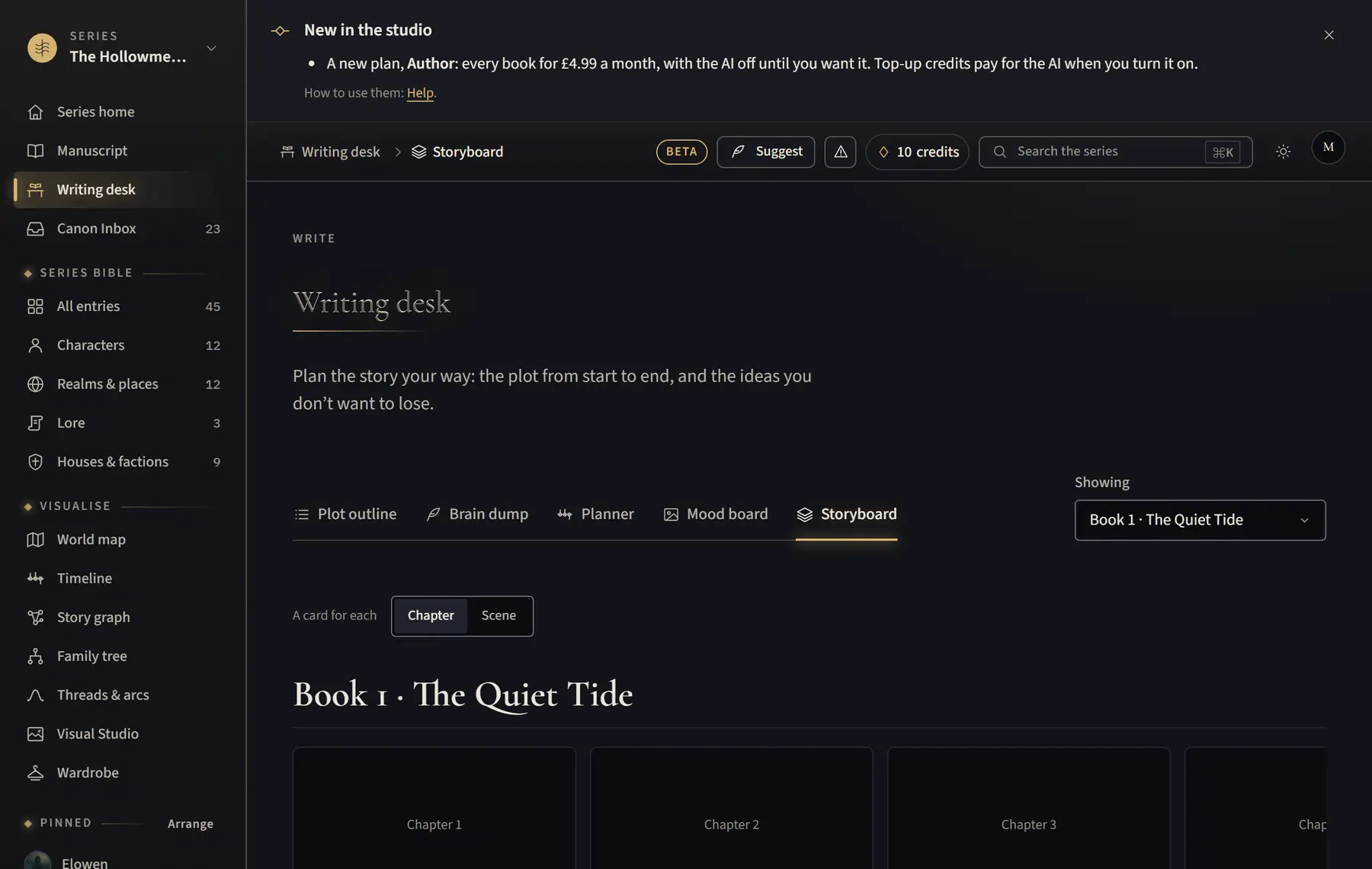
The Storyboard shows your story as a film strip: a card for each chapter or each scene, act by act.
- Open Writing desk and click Storyboard.
- Under A card for each, choose Chapter or Scene.
- On a card, click Add a line and write what happens. Click Save.
- Click Choose a picture and pick one of your pictures, or Upload a picture.
- To take a picture off, click Remove.
Good to know
- A card’s line is the same plan as the Plot outline’s: change it in either place.
- Acts from the Plot outline make the rows.
Related
All help · Still stuck? Write to support@sagastudio.ink.