

Pictures
Make a mood board
Gather pictures that catch how the series, a book, a character or a place should feel, like a pinboard.
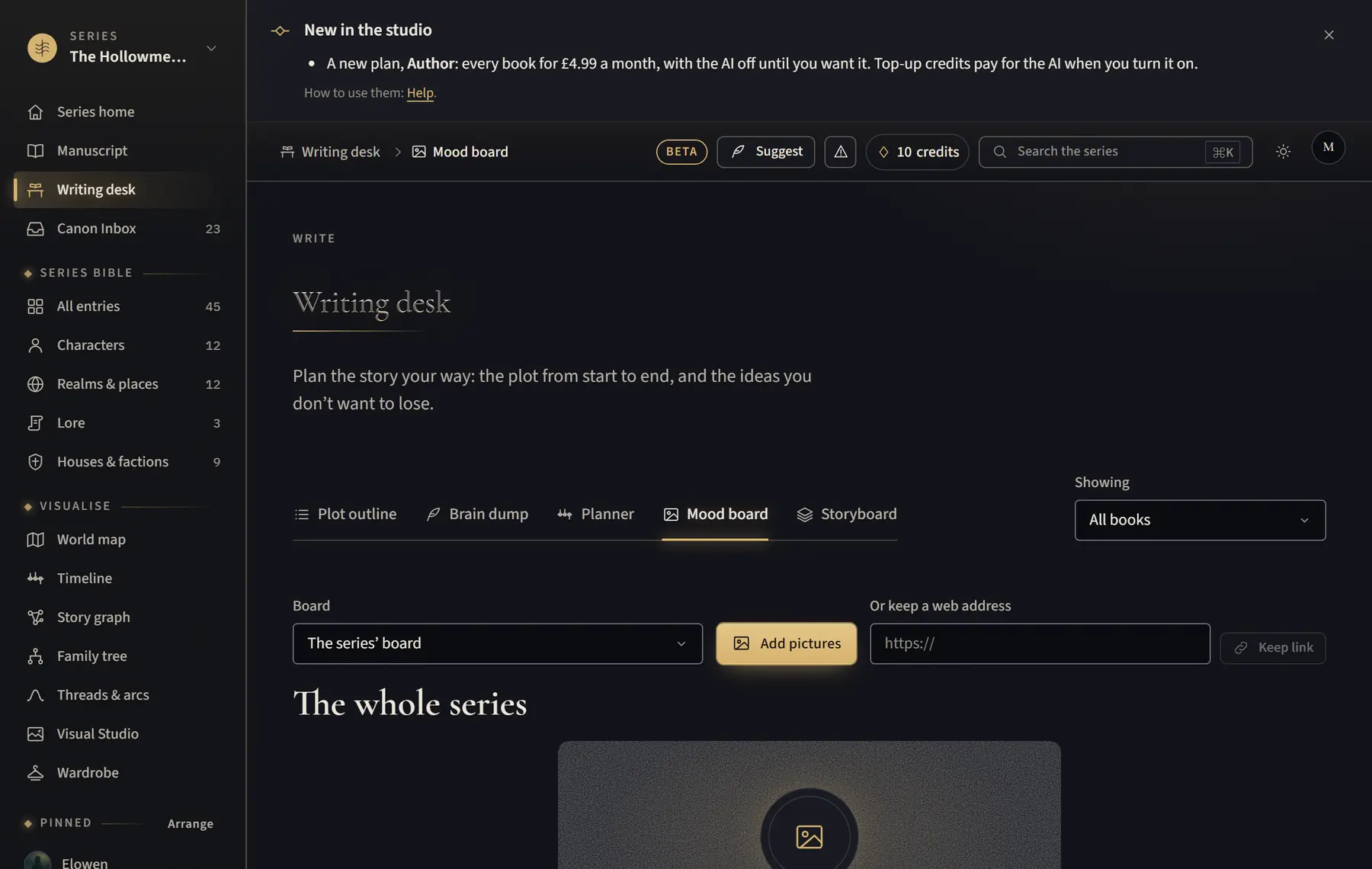
- Open Writing desk and click Mood board.
- Choose a Board: the series’ or the book’s board, or a character’s or place’s own.
- Click Add pictures. Choose one of your pictures, or Upload a picture from your computer or phone.
- To keep a web page, paste its address in Or keep a web address and click Keep link.
- On a picture, click Add a caption, Earlier, Later or Remove. Click a picture to see it larger.
Good to know
- Mood boards are for inspiration only: they’re never canon and never sent to AI.
- Web addresses are kept as links that open in a new tab. Pictures from other sites aren’t shown on the board.
- Uploads count towards your pictures, like uploads in the Visual Studio.
Related
All help · Still stuck? Write to support@sagastudio.ink.