

Writing
Plan your writing days
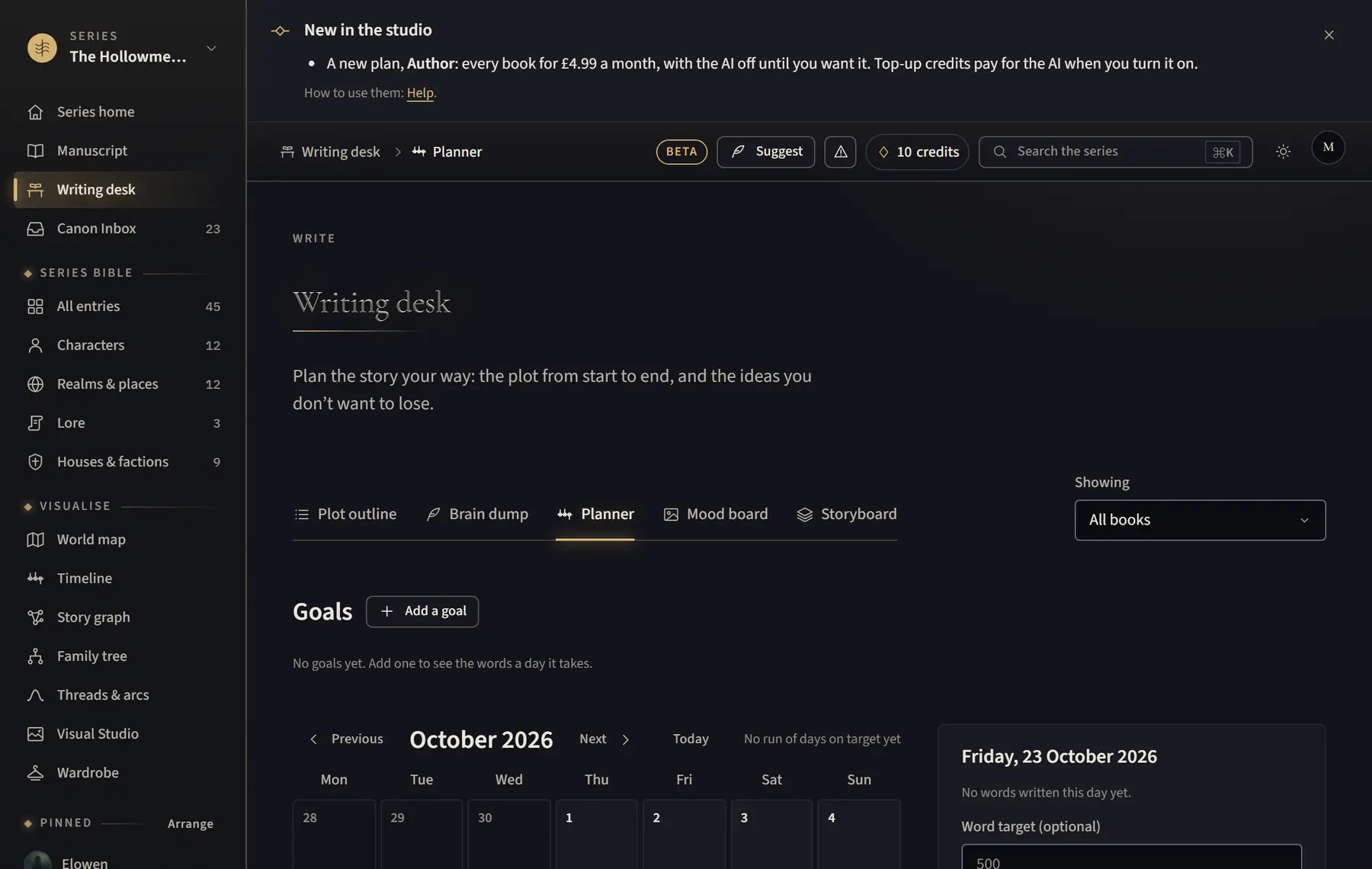
The Planner is a calendar: give a day a word target, a note and tasks, set goals, and see the words you wrote.
- Open Writing desk and click Planner.
- Click a day on the calendar. Fill in Word target and Note, then click Save the day.
- Type in Add a task and click Add. Tick a task when it’s done.
- Click Add a goal: choose the Book, the Words in the finished book, the date to Finish by and the days you Write on. Click Add goal.
- Use Previous, Next and Today to move through the months.
Good to know
- Words you write in the Manuscript show on each day by themselves, counted on your own day.
- A goal says how many words a writing day it takes to finish on time.
- Counting started the day the Planner arrived, so days before then show no words.
- Words you paste or import count as written that day too.
Related
All help · Still stuck? Write to support@sagastudio.ink.