

Writing
Keep your ideas in the brain dump
A quick place for ideas before they go, for the whole series or one book.
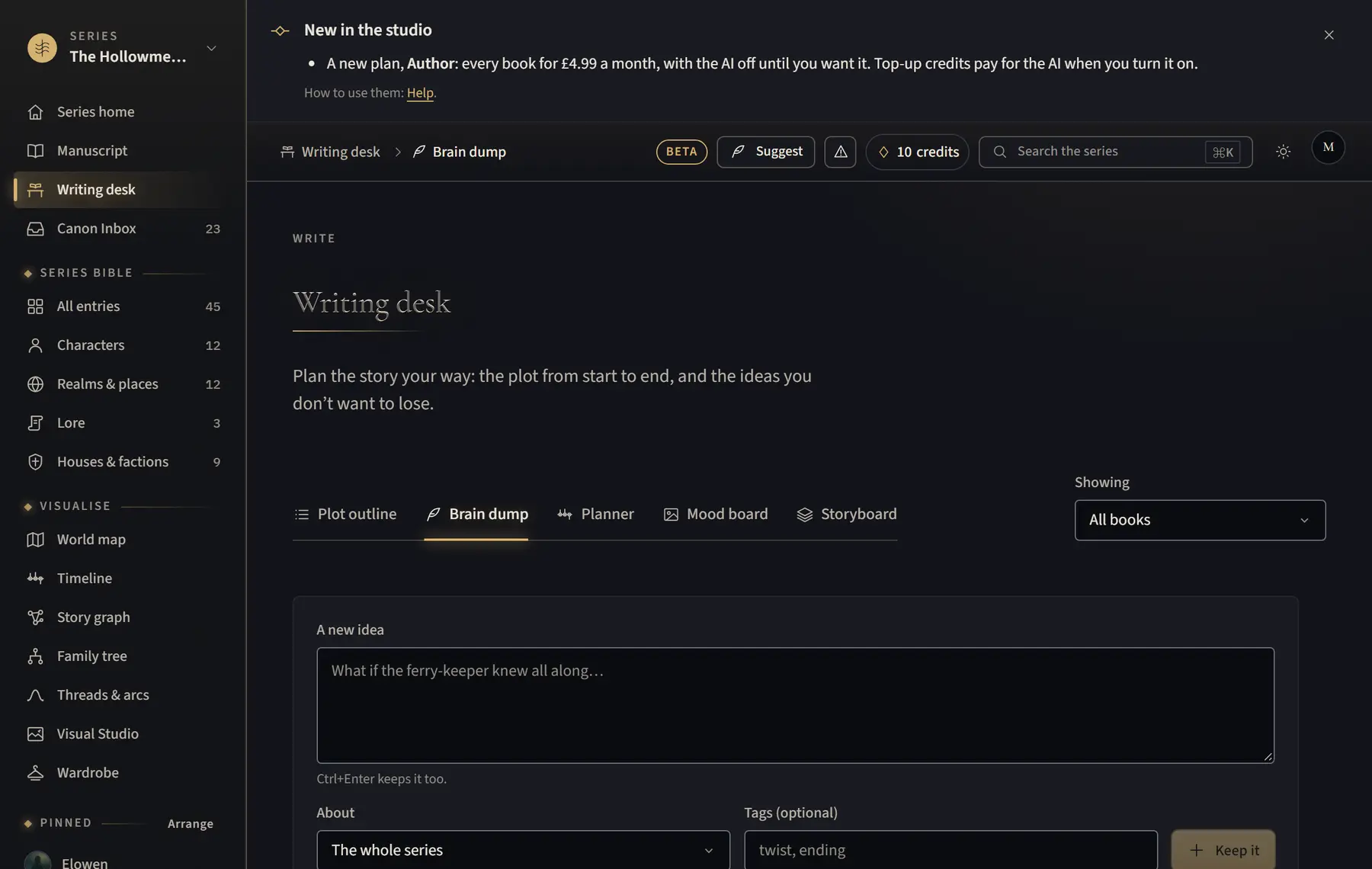
- Open Writing desk and click Brain dump.
- Type your idea in A new idea. Choose what it’s About: the whole series or a book. Add Tags if you like.
- Click Keep it, or press Ctrl+Enter (⌘ Enter on a Mac).
- Find notes again with Search your notes, Filter by tag, or Pinned.
- On a note, click Pin, Edit, Mark used, Make an entry or Delete.
Good to know
- Make an entry opens the new entry form with the note’s first line as the name. It starts as a draft in your bible.
- Showing at the top right chooses which book’s notes you see. The desk remembers it.
Related
All help · Still stuck? Write to support@sagastudio.ink.