

Characters and the Canon Inbox
Add a character or other entry by hand
Add a character, place or anything else to your bible yourself.
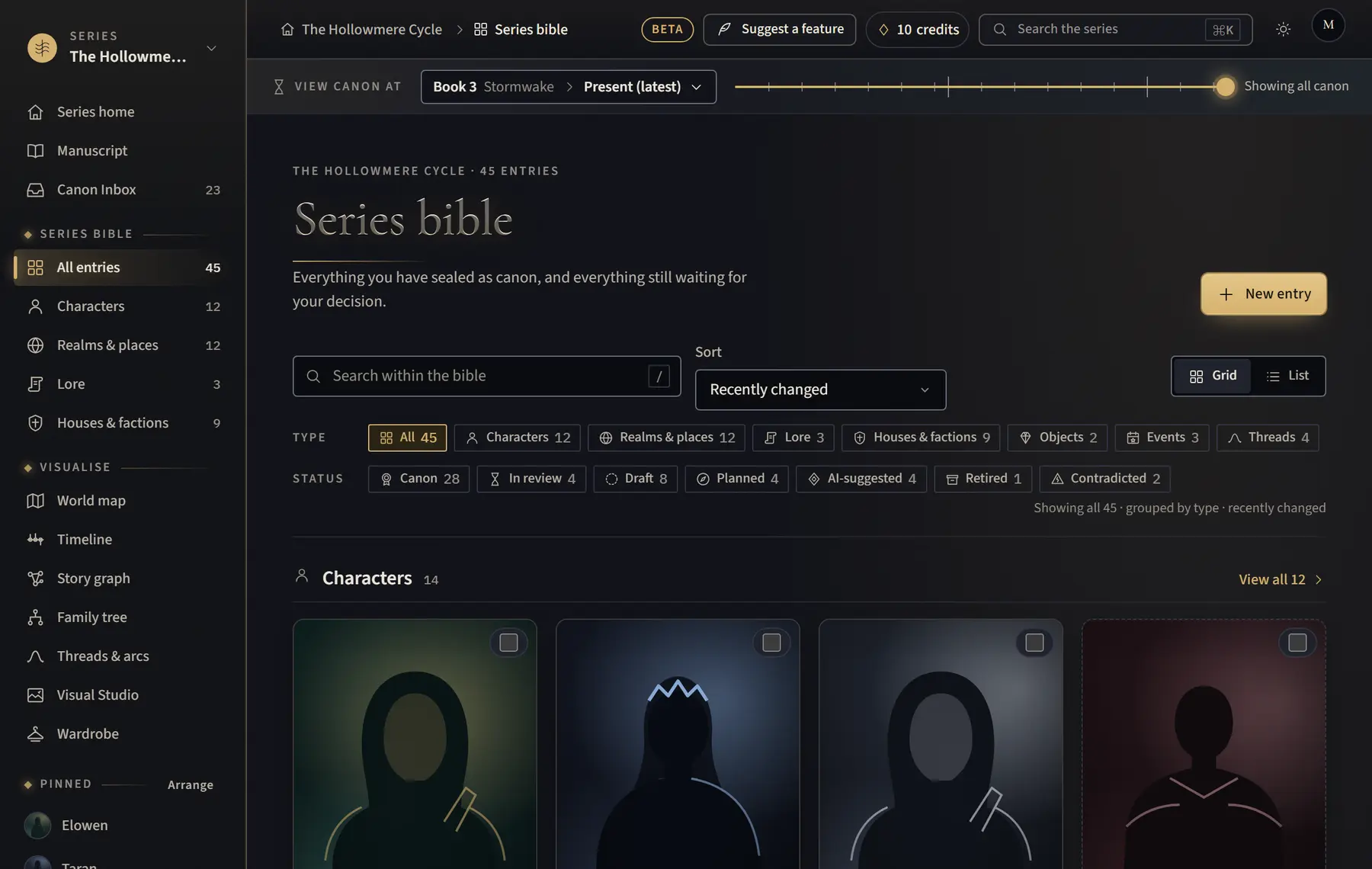
- Click All entries in the menu on the left.
- Click New entry.
- Type the Name, choose the Kind, and add an Epithet (optional).
- Click Create draft. It starts as a draft and appears in the bible.
- When you are sure, open the entry from the bible and click Seal as canon at the top of its page, next to Edit.
Good to know
- Sealing can be undone from the message that appears.
- You can also make one while writing: type @ and the name, then choose Create “…” as a draft character.
Related
All help · Still stuck? Write to support@sagastudio.ink.