

Characters and the Canon Inbox
Merge two characters or entries
Join two entries that turn out to be the same person, place or thing.
- Open the entry you want to retire, for example the character described before they were named.
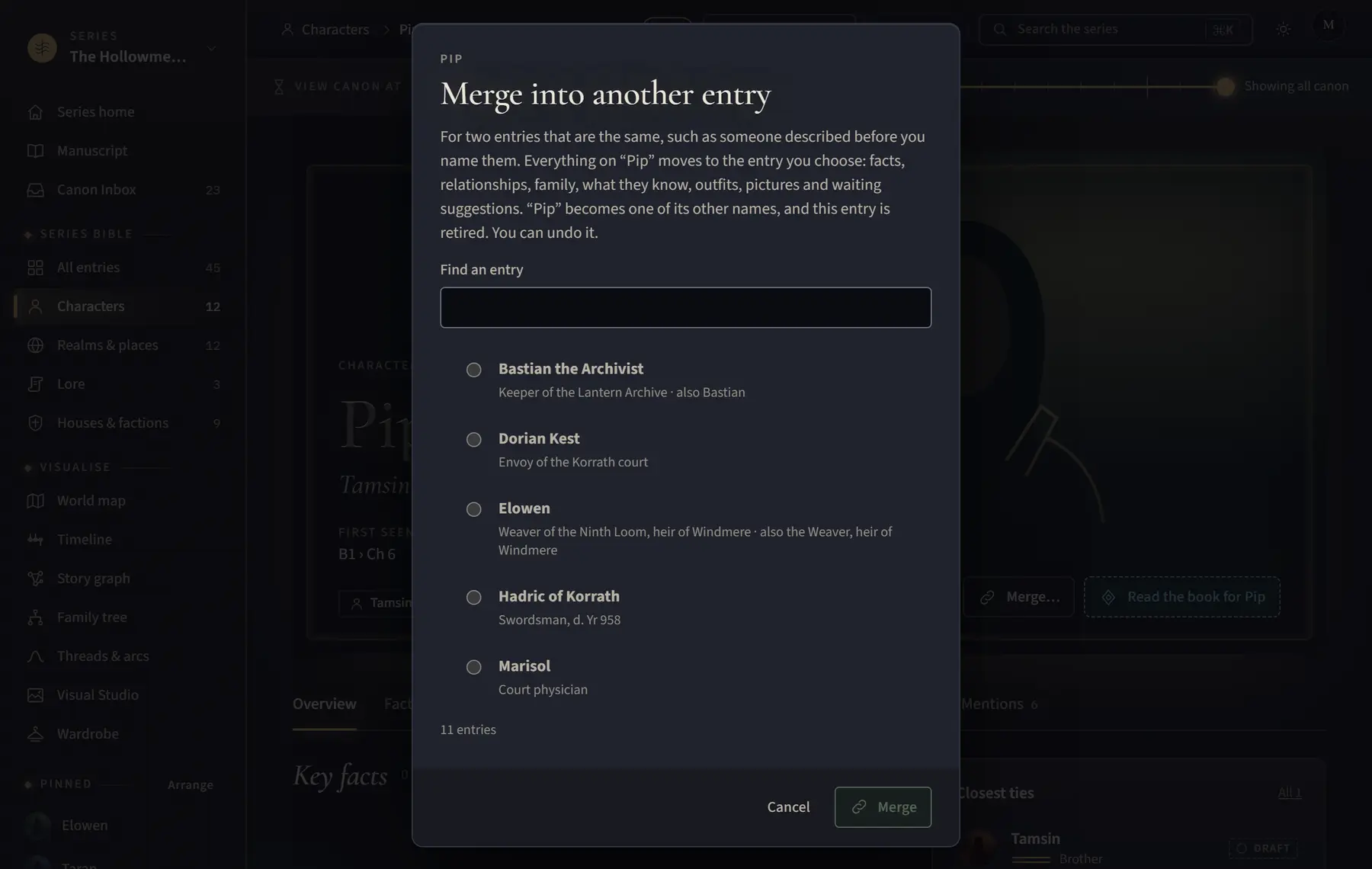
- Click Merge… at the top of the page.
- Under Find an entry, choose the entry to keep. Only entries of the same kind are listed.
- Click Merge into and its name.
Good to know
- Everything moves to the entry you keep: facts, relationships, family, what they know, outfits, pictures and waiting suggestions. The retired entry’s name becomes one of its other names.
- Click Undo on the message that appears to put both back.
Related
All help · Still stuck? Write to support@sagastudio.ink.