

Places, lore and the map
Change a place into a realm or move it inside another
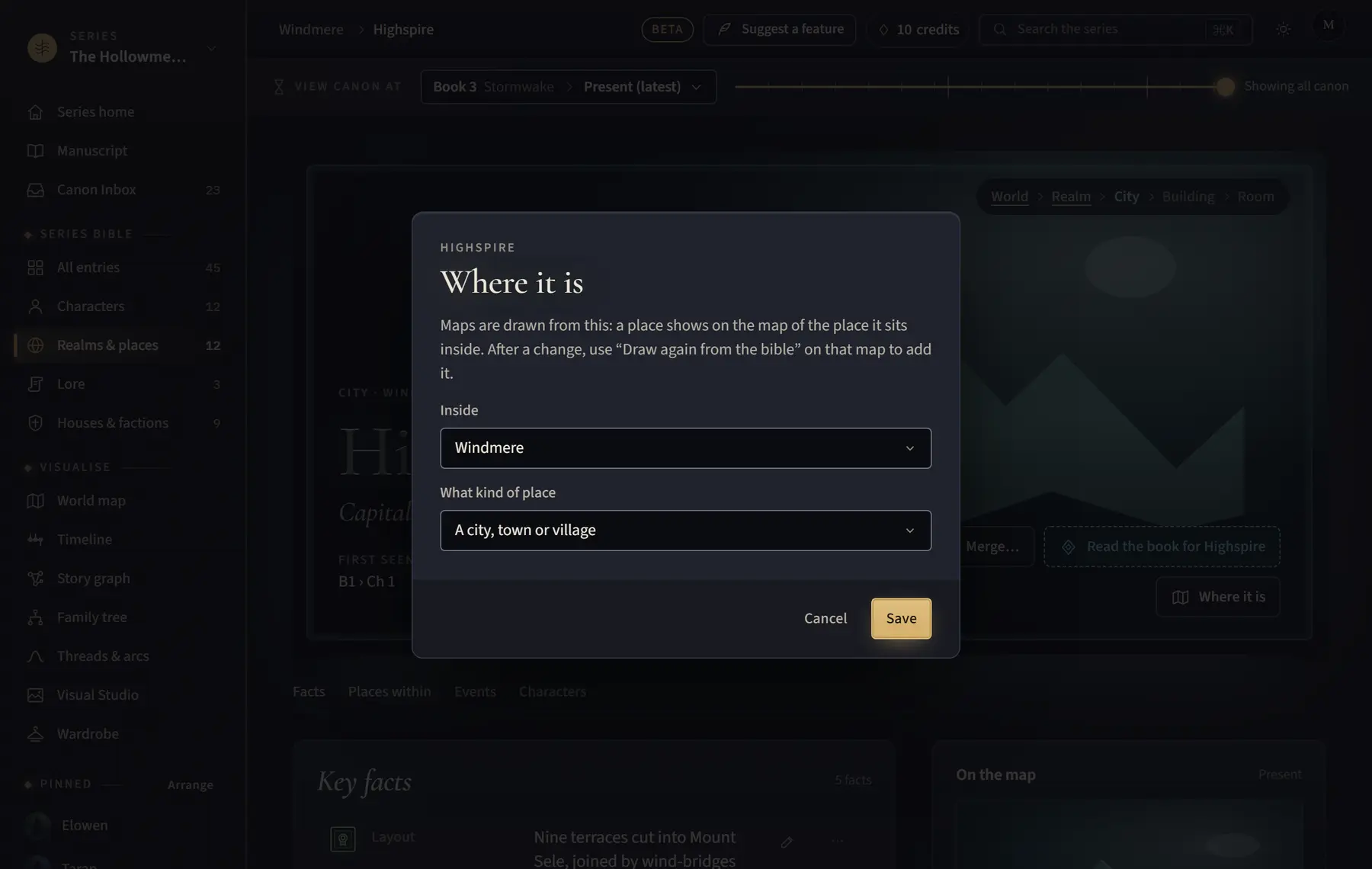
Set what kind of place something is and which place it sits inside; the maps are drawn from this.
- Open the place’s page.
- Click Where it is.
- Under Inside, choose the place it sits in, or Nowhere else (top level).
- Under What kind of place, choose A whole world, A realm, country or region, A city, town or village, A building or district or A room.
- Click Save.
Good to know
- A read may put a town in the wrong realm; this is how you fix it.
- If that map was saved, it says how many places aren’t on it yet: click Add it to the map (or, when 3 are missing, Add all 3 to the map), or Draw again from the bible beside Edit map. Places already on it keep where you put them.
- A world or realm gets a Lore section on its page.
Related
All help · Still stuck? Write to support@sagastudio.ink.