

Places, lore and the map
Arrange the map from the book
AI suggests where each place lies from what your book says, and you choose whether to use it.
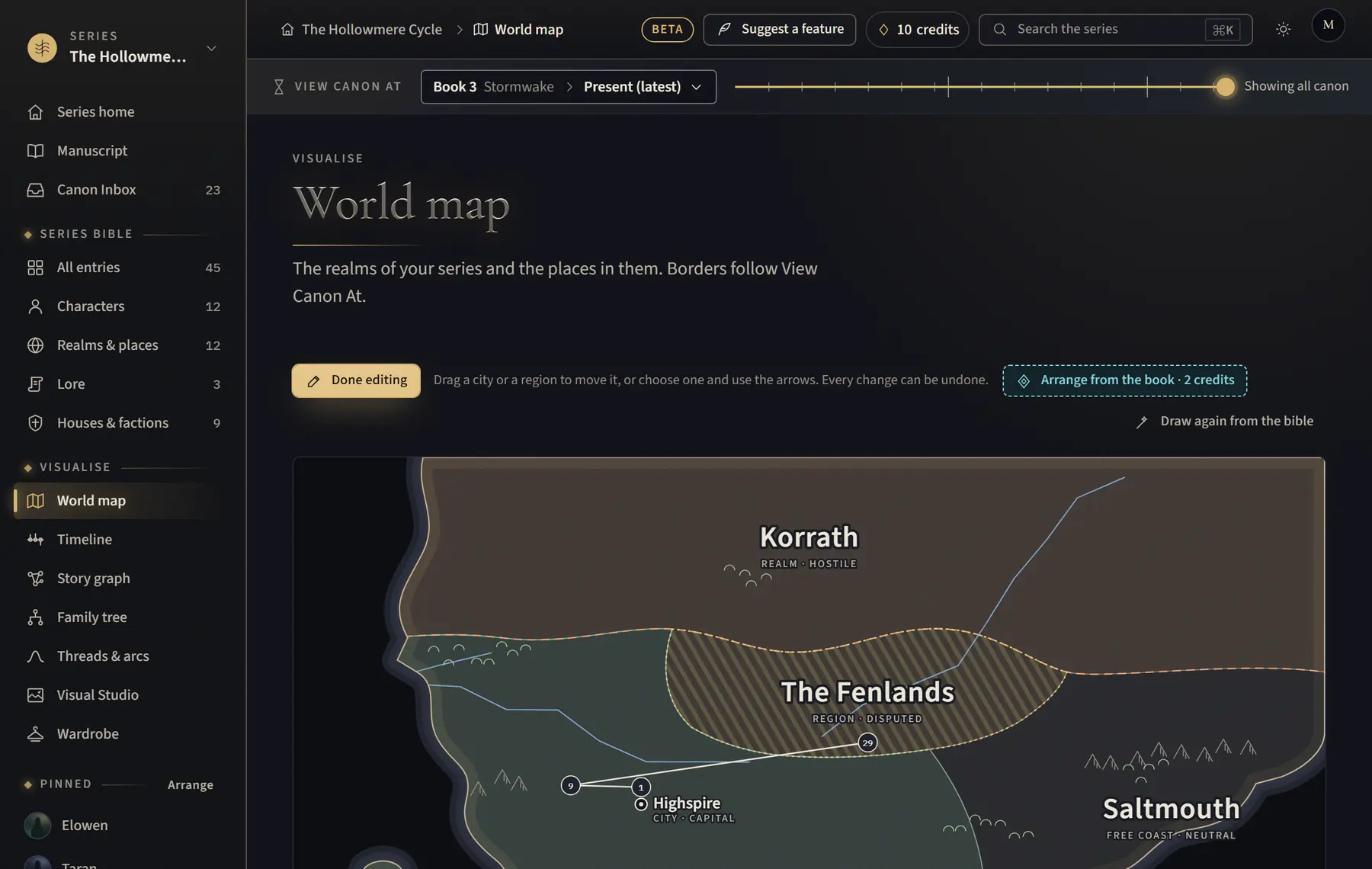
- Click World map in the menu on the left, or open a realm’s map.
- Click Edit map.
- Click Arrange from the book · 2 credits, then Arrange · 2 credits.
- Read where the book puts each place and why.
- Click Use this layout, or Keep my map.
Good to know
- Nothing moves until you click Use this layout, and you can undo it.
- You can still drag any place afterwards, or choose it and use North, South, West and East. Click Done editing when you finish.
- It needs AI on for the series (allowed to read the bible) and at least two places on the map, and it isn’t in the demo. If the AI can’t place anything, the credits are given back.
Related
All help · Still stuck? Write to support@sagastudio.ink.