

Places, lore and the map
Add lore to a realm or world
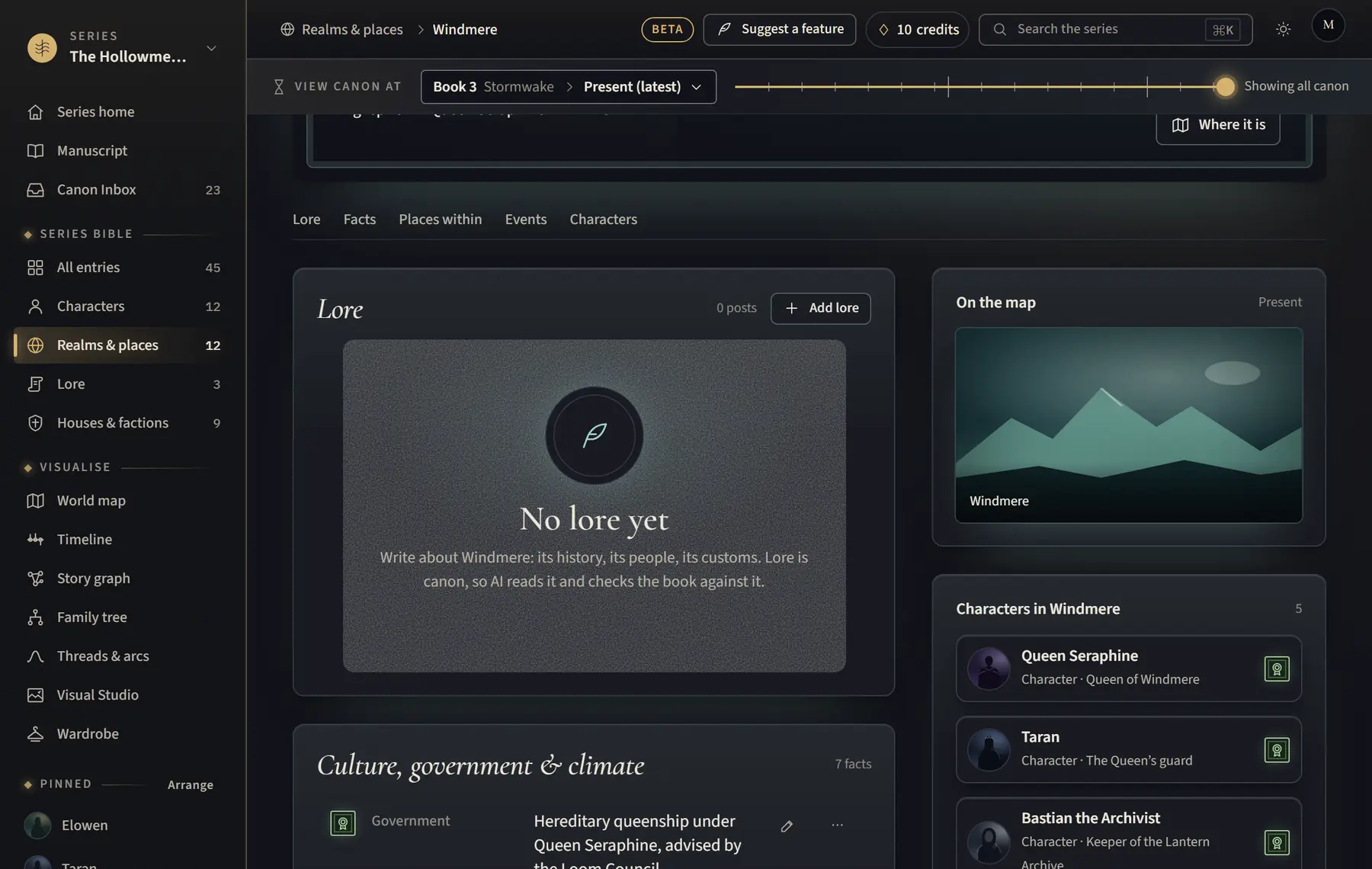
Write about a realm’s history, people and customs; lore is canon, so AI checks the book against it.
- Open the realm or world’s page.
- Scroll to Lore (or click Lore in the page’s contents).
- Click Add lore.
- Fill in Title and Lore, then click Add as canon.
Good to know
- Paste a post as it is; line breaks are kept.
- Use Change to edit a post (the earlier text is kept in its history) or Remove to take it away.
- The Lore section shows on worlds and realms. If a place is the wrong kind, change it with Where it is first.
Related
All help · Still stuck? Write to support@sagastudio.ink.