

Reading with AI
Read the book for one character or place
AI reads only the passages that name one entry and suggests what the bible is missing about it.
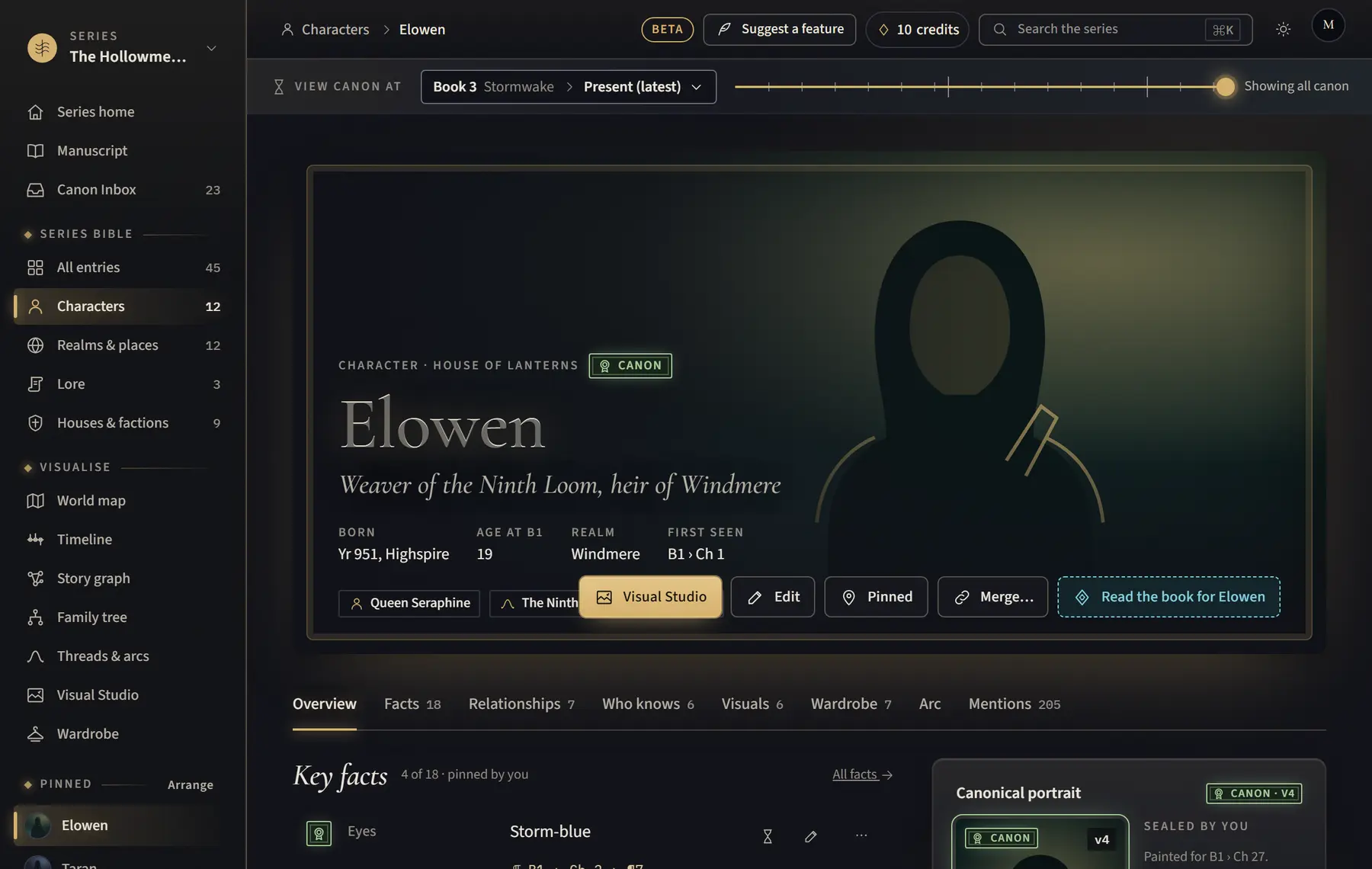
- Open the character’s or place’s page.
- Click Read the book for and the name, for example Read the book for Elowen.
- Check how many passages it found and what it will cost.
- Click Read with the number of credits.
- Approve or reject the suggestions in the Canon Inbox.
Good to know
- It finds passages by the entry’s name and its other names. If the book calls them something else, add that as another name, or merge that entry into this one, then try again.
- A very long read stops at its limit, from the start of the book; later mentions are not read that time.
Related
All help · Still stuck? Write to support@sagastudio.ink.