

Credits and your account
Suggest a feature or report a problem
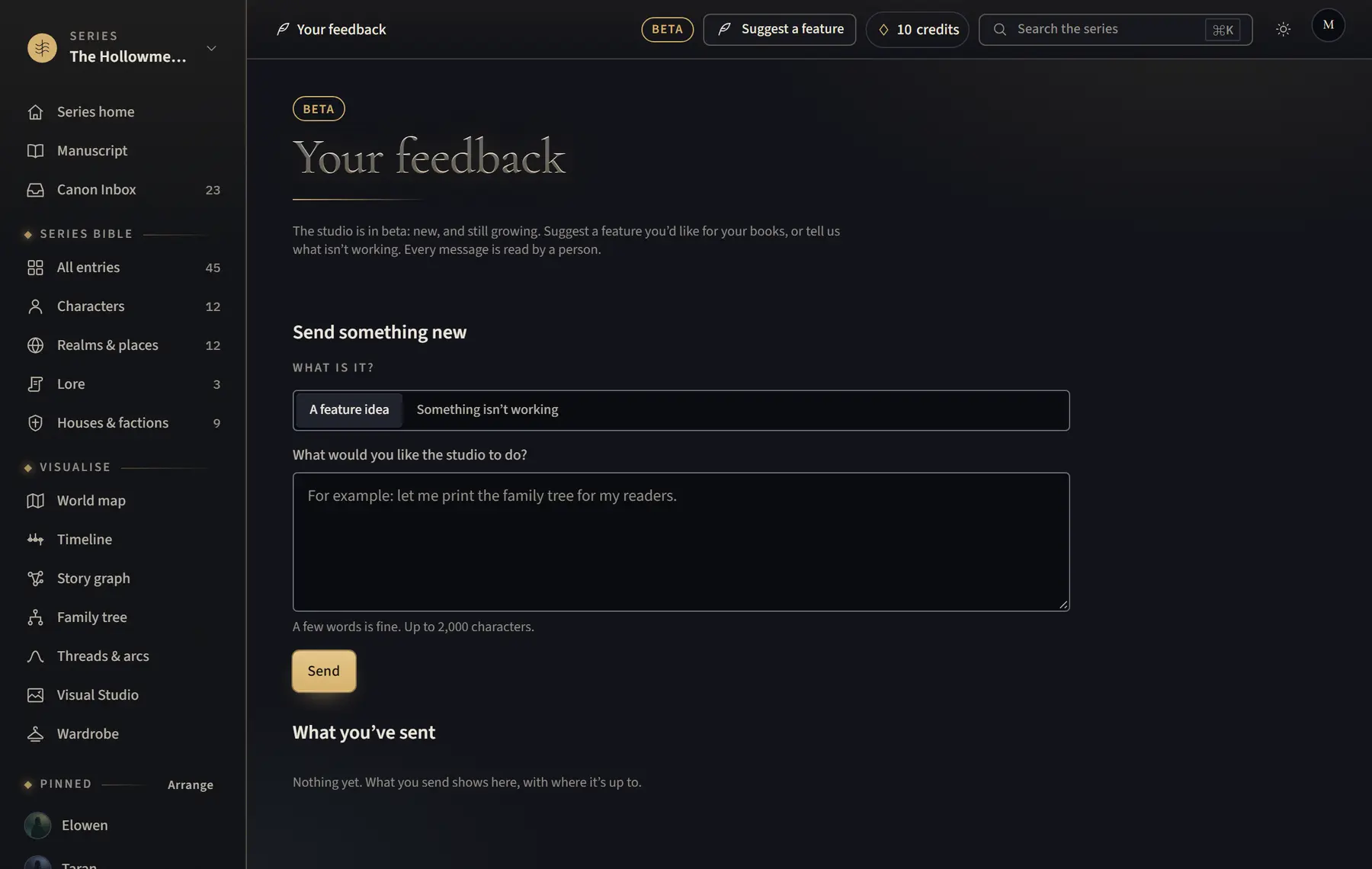
Tell the studio what you would like it to do, or what isn’t working.
- Click Suggest a feature at the top of any page (on a phone, the quill button).
- Under What is it?, choose A feature idea or Something isn’t working.
- Write a few words under What would you like the studio to do? (or What happened?), then click Send.
- To see where your feedback is up to, open the account menu and click Your feedback.
Good to know
- For a bad AI read or check, click Report this read or Report this check, which shows beside the result just after it finishes. For a painted picture, click Report this picture in Compare with canon. Credits are given back when the AI got it wrong.
Related
All help · Still stuck? Write to support@sagastudio.ink.